Ricoshae
  • Home
  • Get a Quote
  • More
Log in
Ricoshae
Home Get a Quote

Ricoshae eLearning

Welcome to the world of Ricoshae. 

If you have already purchased a course and your login is not working. Please contact courses@ricoshae.com.au (send from the email address that you used to enrol) and I will sort out your access for you. 
If you would like to to enrol in the courses our need a quote for your organisation to access the courses you can request a quote to submit to your manager. This will allow you to purchase access for as many staff members as you need.
 Quote form

Browse courses

Create beautiful eLearning with Articulate Rise
Live Course
Create Interactive Online Learning with H5P
Live Course
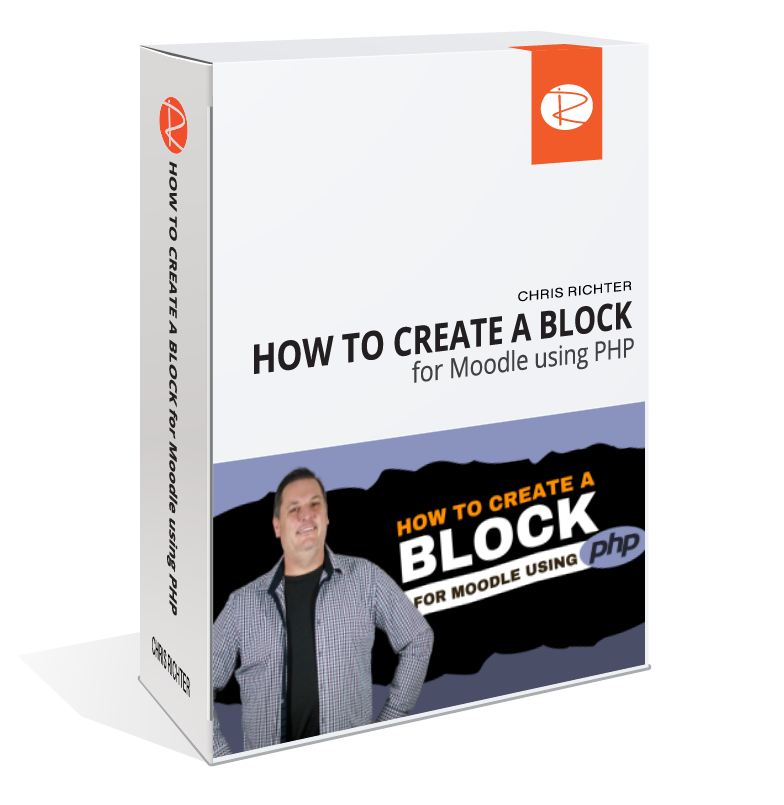
How to create a block for Moodle using PHP
Live Course
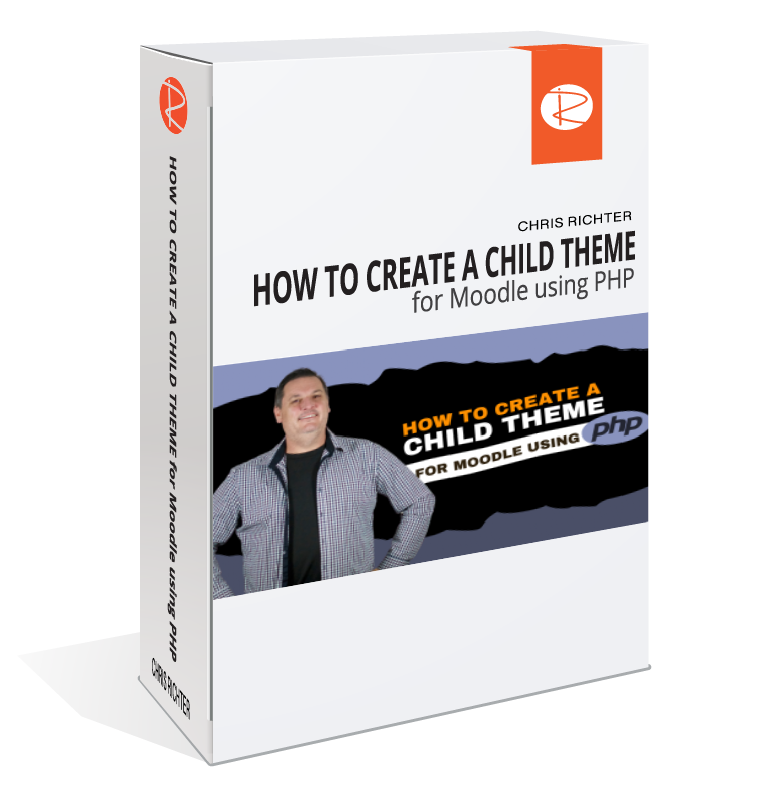
How to create a child theme for Moodle 4
Live Course
How to create a plugin for Moodle using PHP
Live Course
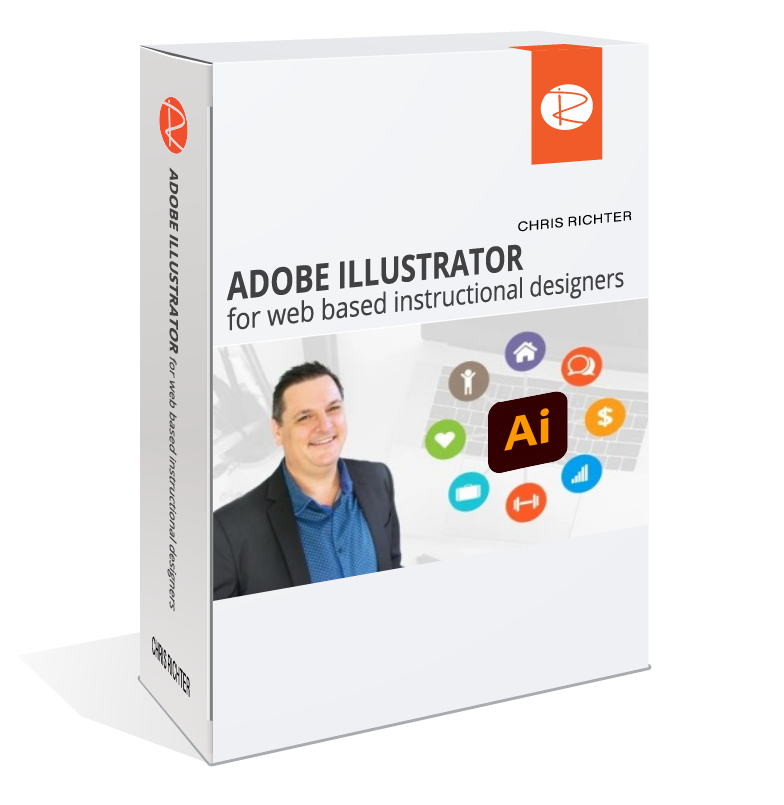
Introduction to Adobe Illustrator for Web Designers
Live Course
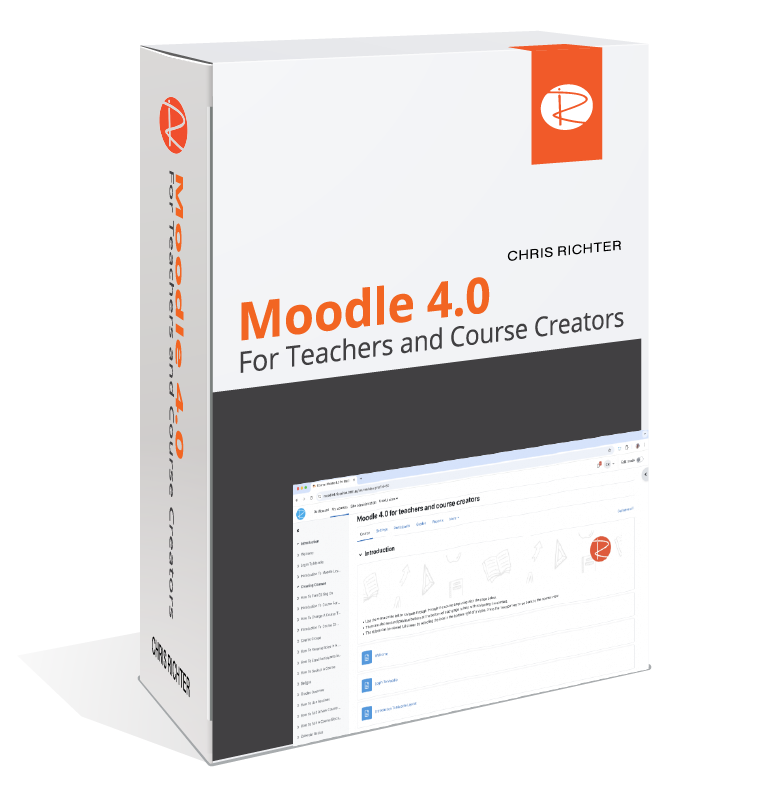
Moodle 4.0 for teachers and course creators
Live Course
Responsive HTML Using Bootstrap in Moodle
Live Course
Create beautiful eLearning with Articulate Rise

Starting from zero to get you up and designing as quickly as possible.

Designed for educators, instructional designers and content creators, this course helps you go from zero to expert in using Articulate Rise 360, part of the Articulate 360 suite. Taught by Chris Richter, it provides practical, hands‑on instruction in building polished, fully responsive e‑learning courses that work on any device.

Whether you're new to Rise or looking to upgrade your skills, this course teaches you how to craft engaging micro learning modules or full‑length courses using Rise’s intuitive, block‑based editor. It emphasises real‑world workflows, design best practices, and accessibility for diverse learners.

In this course you will become familiar with the Articulate Rise 360 interface: course structure, templates, sections, and core content blocks like text, images, video, galleries, quotes, and interactive components. Build and assemble lessons from scratch: using pre‑built templates or custom layouts to define sections and lessons. Integrate rich media: add images, video, galleries, animation, and interactive quizzes or knowledge checks. Design for engagement: use branching scenarios, scenario blocks, and decision‑making interactions to keep learners actively involved. Customise themes and visual design: choose or adjust course themes, accessibility settings, branding, and navigation structure.

I will also cover how to publish and distribute: export your Rise course as SCORM, xAPI (Tin Can), AICC or cmi5 for LMS delivery; use Review 360 or Reach 360 for feedback, sharing, or mobile access.

Go to course
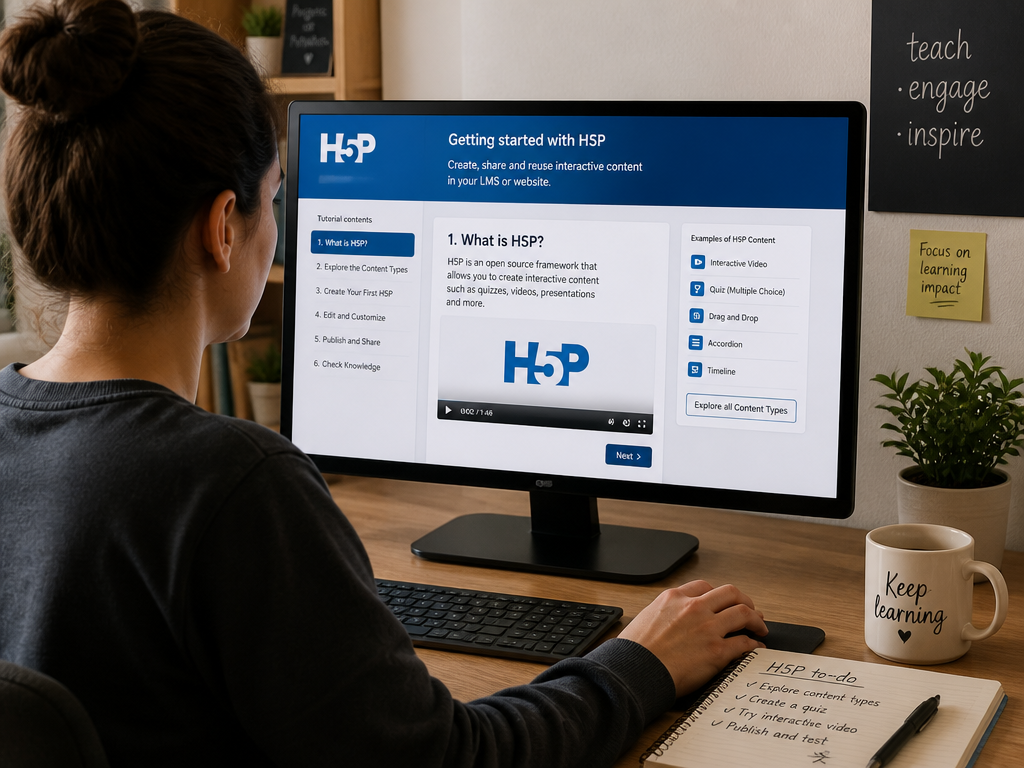
Create Interactive Online Learning with H5P

Learn to Create Engaging Interactive Content.

This practical, hands-on course introduces you to the core H5P content types used to create rich, interactive experiences in modern online learning environments. Designed especially for instructional designers, eLearning developers, and educators, the course takes you step-by-step through the most popular, versatile, and impactful H5P interactive types.

Throughout the course, you will explore how each content type works and discover when and where to use it to achieve the greatest educational impact. You’ll also review real-world examples of effective H5P use and learn practical design tips to help you create polished, professional results.

The course places a strong emphasis on accessibility, user experience, and learner engagement, providing you with techniques to ensure your interactive content is inclusive, effective, and user-friendly for all learners.

In addition to watching demonstrations, you will actively build your own H5P content through a series of guided mini-projects—one for each content type explored. These hands-on activities give you the opportunity to apply what you’ve learned immediately, reinforcing your new skills.

By the end of the course, you will have developed a portfolio of interactive H5P activities that you can confidently integrate into your own courses or share with clients and colleagues. Whether you are just starting with H5P or looking to refine your expertise, this course will equip you with the knowledge and tools to create dynamic, engaging online learning experiences that make a real impact.

Go to course
How to create a block for Moodle using PHP

This course will take you through the complete process of developing a Moodle block. A 'block' is a special type of plugin that is used in Moodle that can be added to pages, dashboards and other display areas in Moodle. A 'block' has a unique set of requirements when developing in Moodle that will be covered in this course.

It is highly recommended that you have PHP, HTML, JavaScript and CSS experience before attempting to create a block in Moodle but it is not essential that you have worked in Moodle before.

This course will teach you the basic structure and requirements of a 'block', then take you through the actual process of:

  • Creating a fully functioning blockList item two
  • Adding the core files 
  • Managing plugin versions
  • Adding the access file
  • Adding instance configuration options
  • Adding global config options
  • Adding the language file for the block Completing a
  • YouTube playlist RSS reader function to demonstrate the block
  • Publishing the plugin to your Moodle LMSList item four

"Great course with good pacing and explanations" 

Jacob B

5-tars68594990d578f_lg.webp

The block process is recorded using Moodle 3.9 but the code can be used in Moodle 3.7.2. This course is primarily for PHP developers, but if you have understand other programming languages you should be able to easily transfer your programming knowledge to PHP and to this course.

Chris Richter is the founder and CEO of Ricoshae, a leading digital agency specialising in online education and digital content creation. With more than two decades of experience in web development, digital media, and programming, Chris brings a deep understanding of how technology can enhance learning.

Chris began his career at Australia’s largest vocational education and training organisation, where he supported thousands of students and teachers and helped manage and improve large-scale online learning platforms. He also led the development of Cloudstor, an award-winning file-sharing platform recognised by the Australian Telecommunications User’s Group.

Over the years, Chris has created content for more than 200 online courses across a wide range of subjects—including music business, animal studies, eco-tourism, and retail. His work has earned multiple awards, such as the Premier’s Public Sector Award and the NBSA Step Ahead Online Program Award.

A passionate advocate for effective digital learning, Chris has also presented at numerous conferences, including eResearch, ITEC, and Sydney mLearn. In this course, he draws on his extensive industry experience to help you develop practical skills and create engaging online learning experiences of your own.
Go to course
How to create a child theme for Moodle 4

In this course, you will embark on an exciting journey to learn the ins and outs of creating a child theme for the Moodle Learning Management System (LMS). Whether you are an experienced PHP developer or looking to enhance your coding skills, this course is designed to equip you with the knowledge and tools necessary to create your own customisable child theme for Moodle.

Throughout the course, we will focus on the fundamental coding structure required to build a theme, as well as delve into the intricacies of modifying templates, utilising renderers, and creating theme configuration settings. We will be building a child theme based on the popular Moodle Boost theme, incorporating the powerful Bootstrap framework.

To ensure a hands-on learning experience, you will have access to the completed code for the child theme.

This will not only allow you to analyse and understand the child theme, but also provide you with the opportunity to modify and personalise it according to your preferences. Please note that this course assumes you have access to a development server with Moodle 4.x installed, enabling you to build and test your child theme in a practical environment.

By the end of this course, you will have acquired the skills to confidently create your own child themes for Moodle 4, offering a tailored and visually appealing experience for Moodle users. This course will empower you to customise Moodle to suit your specific needs.

I am thrilled to have you join me on this exciting journey of theme creation for Moodle 4.

Let's get started and unlock the potential of a personalised Moodle experience together!  

Chris Richter is the founder and CEO of Ricoshae, a leading digital agency specialising in online education and digital content creation. With more than two decades of experience in web development, digital media, and programming, Chris brings a deep understanding of how technology can enhance learning.

Chris began his career at Australia’s largest vocational education and training organisation, where he supported thousands of students and teachers and helped manage and improve large-scale online learning platforms. He also led the development of Cloudstor, an award-winning file-sharing platform recognised by the Australian Telecommunications User’s Group.

Over the years, Chris has created content for more than 200 online courses across a wide range of subjects—including music business, animal studies, eco-tourism, and retail. His work has earned multiple awards, such as the Premier’s Public Sector Award and the NBSA Step Ahead Online Program Award.

A passionate advocate for effective digital learning, Chris has also presented at numerous conferences, including eResearch, ITEC, and Sydney mLearn. In this course, he draws on his extensive industry experience to help you develop practical skills and create engaging online learning experiences of your own.

Go to course
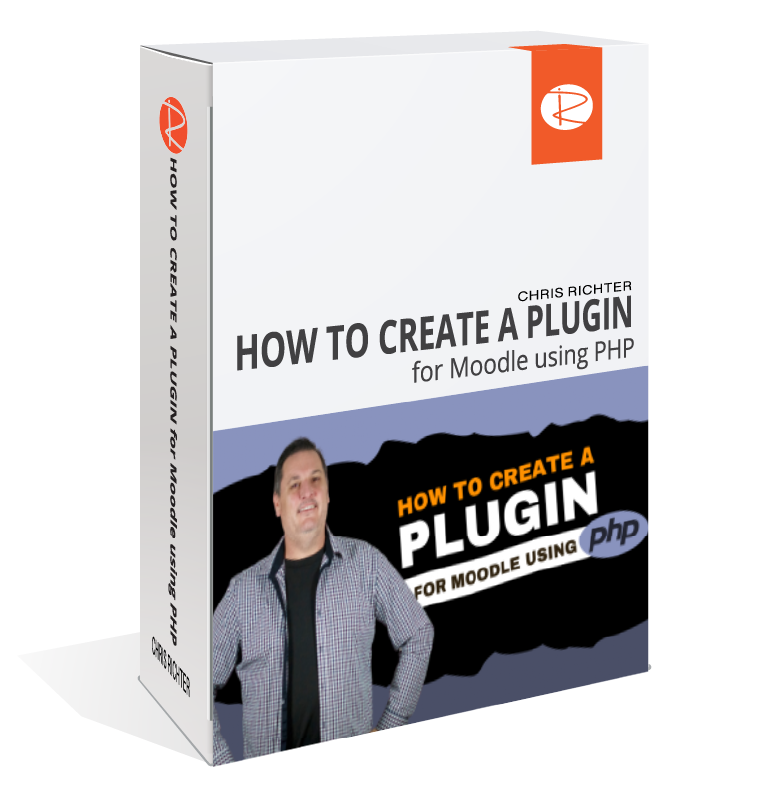
How to create a plugin for Moodle using PHP
 

"The teacher explains very well, very well commented code, simple and easy to read code, and the most important part "up to date."! I believe this will be a great course for anyone that wants to start with Moodle plugins to learn the basics, before going to another more complex tutorial, that often is not being so well maintainable as this course is and where sometimes there is redundancies and old code that isn't applicable anymore. I highly recommend it!" 

Kelly B
5-tars68594990d578f_lg.webp

This course will take you through the complete process of developing your first Moodle plugin.

It is highly recommended that you have PHP, HTML, JavaScript and CSS experience before attempting to create a plugin in Moodle but it is not essential that you have worked in Moodle before.

This course will teach you the basic structure and requirements of a plugin, then take you through the actual process of:

  • creating the plugin 
  • adding the core files 
  • managing versions
  • adding templates
  • adding JavaScript
  • a new database table for your plugin
  • create, read and update data
  • using forms provide data to templates
  • access the Moodle database
  • Export data to CSV and PDF
  • Secure your pages

By the end of this course you will be ready to answer that question....

"Can Moodle do THIS?"

And you will be able to answer...

"Sure, let me write a plugin that will do it."  

The plugin process is recorded using Moodle 3.9 but the code can be used in Moodle 3.7.2+ This course does get deep into coding but I am sure you will enjoy it and learn so much that will save you searching for days on the internet to find the solution to creating your own first plugin.  I will see you in the course.

Raphael L

5-tars68594990d578f_lg.webp

"I had no ideas of creating plugins in moodle and after the course I know how the db works and how to add stuff in moodle. Now I can write plugins by my own pretty much, not on an expert level but the course is for beginners."

Tyler M

5-tars68594990d578f_lg.webp

"Very high recommend Moodle developer tutorial. You will also learn the background of work flow of Moodle. The author is actively visits the content and will answer if you struggle"

Kolo Z

5-tars68594990d578f_lg.webp

"Really loved it, changed my perspective on the overall workings of Moodle"


Chris Richter is the founder and CEO of Ricoshae, a leading digital agency specialising in online education and digital content creation. With more than two decades of experience in web development, digital media, and programming, Chris brings a deep understanding of how technology can enhance learning.

Chris began his career at Australia’s largest vocational education and training organisation, where he supported thousands of students and teachers and helped manage and improve large-scale online learning platforms. He also led the development of Cloudstor, an award-winning file-sharing platform recognised by the Australian Telecommunications User’s Group.

Over the years, Chris has created content for more than 200 online courses across a wide range of subjects—including music business, animal studies, eco-tourism, and retail. His work has earned multiple awards, such as the Premier’s Public Sector Award and the NBSA Step Ahead Online Program Award.

A passionate advocate for effective digital learning, Chris has also presented at numerous conferences, including eResearch, ITEC, and Sydney mLearn. In this course, he draws on his extensive industry experience to help you develop practical skills and create engaging online learning experiences of your own.

Go to course
Introduction to Adobe Illustrator for Web Designers

Adobe Illustrator for web based instructional designers

Learn how to create clear, crisp illustrations to embed into your website

Welcome to the Introduction to Adobe Illustrator for web based instructional designers.

My name is Chris Richter and in this class I will introduce you to Adobe Illustrator. I will show you how as an instructional designer, you can use Adobe Illustrator to create amazing designs that can be added to your web based content using SVG (Scalable Vector Graphics).

The content focuses on the basics of how to use Adobe Illustrator but then provides an introduction into the world of Web Development and SVG.

The practical use for this is that you can design graphics that will scale perfectly for mobile devices without having to be concerned with complex CSS calculations. You can create designs that are HTML based, scalable and easy to manage. You can also add classes to your Adobe Illustrator designs to apply your web theme colours and fonts.

We will work through 5 different projects creating the Adobe Illustrator file then exporting to SVG and adding the HTML to your web page.

This course is best suited to you if you are interested in web development and would like to learn how to use Adobe Illustrator to add meaningful graphics to your web content.

If you develop online education materials then this course will be suitable for you as it will teach you how to embed your designs into your HTML based training materials.  

Let's go.

Chris Richter is the founder and CEO of Ricoshae, a leading digital agency specialising in online education and digital content creation. With more than two decades of experience in web development, digital media, and programming, Chris brings a deep understanding of how technology can enhance learning.

Chris began his career at Australia’s largest vocational education and training organisation, where he supported thousands of students and teachers and helped manage and improve large-scale online learning platforms. He also led the development of Cloudstor, an award-winning file-sharing platform recognised by the Australian Telecommunications User’s Group.

Over the years, Chris has created content for more than 200 online courses across a wide range of subjects—including music business, animal studies, eco-tourism, and retail. His work has earned multiple awards, such as the Premier’s Public Sector Award and the NBSA Step Ahead Online Program Award.

A passionate advocate for effective digital learning, Chris has also presented at numerous conferences, including eResearch, ITEC, and Sydney mLearn. In this course, he draws on his extensive industry experience to help you develop practical skills and create engaging online learning experiences of your own.

Go to course
Moodle 4.0 for teachers and course creators

A complete, step-by-step training for teachers, trainers and course creators who want to deliver polished, engaging online learning — without feeling overwhelmed or stuck.


Everything You Need to Confidently Build Moodle Courses

✔️ 7+ Hours of On-Demand Training 
Clear, educator-friendly videos that guide you through Moodle step-by-step.

✔️ Complete Course-Building Framework  
Design, structure and publish a professional Moodle course from scratch.  

✔️ Master All Key Moodle Tools  
Assignments, quizzes, resources, forums, H5P, gradebook, roles, enrolments & more.  

✔️ Advanced Tools Made Simple
Learn plugins, themes, course formatting and time-saving workflows.  

✔️ Real Educator Workflow Examples
Follow along with practical examples you can copy directly into your own course.  

✔️ Mobile, Tablet & TV Access
Learn on any device, anywhere.  

✔️ Certificate of Completion
Show your skills to employers or clients.  

✔️ Lifetime Access
Rewatch any lesson, anytime — including updates.


"This is by far the most practical, informative and rich MOODLE course I have ever came across. Clear, concise and well presented. I highly recommend it to anyone who wishes to supplement, or have expert level proficiency. Chris, thank you for your contribution."

Mzamo M

5-tars68594990d578f_lg.webp
 

"Great course, thank you. It helped me to brush up on my outdated Moodle knowledge before we move from Canvas to Moodle."

Pieter L

5-tars68594990d578f_lg.webp


This Course Is Designed For:

 Teachers & Lecturers 
 Create clean, organised and engaging online lessons.  

Corporate Trainers & L&D Teams
Deliver consistent, scalable onboarding and compliance training.

Course Creators & Instructional Designers
Turn your content into beautiful, functional Moodle courses.
 
New Moodle Administrators
Learn the essentials of managing users, categories and course settings.  

If you want clarity instead of confusion — this course is for you.

Tired of Feeling Lost in Moodle?

Most educators try to learn Moodle by… 

  • Clicking around hoping to find the right settings 
  •  Watching outdated YouTube tutorials  
  • Struggling with confusing documentation  
  • Guessing at what “should” be turned on or off  
  • Building courses that look cluttered or inconsistent  
  • Spending hours trying to fix things that should take minutes

This course eliminates all of that.

 You get a clear, structured, step-by-step path from login to launch.


Trusted by Teachers, Trainers & Course Creators Everywhere


Javali V

5-tars68594990d578f_lg.webp

"Excellent course and step.by step Guidance. slow pace so that newbie's can enjoy and learn. Highly Recommend for newbie's and mid experience personal."

Mzamo M

5-tars68594990d578f_lg.webp

"Although I already had some background knowledge in the use of Moodle, I really found this course helpful as it went into detail and learned some useful tips and tricks. Highly recommend it!"


About Chris Richter

Chris Richter is the founder and CEO of Ricoshae, a leading digital agency specialising in online education and digital content creation. With more than two decades of experience in web development, digital media, and programming, Chris brings a deep understanding of how technology can enhance learning.

Chris began his career at Australia’s largest vocational education and training organisation, where he supported thousands of students and teachers and helped manage and improve large-scale online learning platforms. He also led the development of Cloudstor, an award-winning file-sharing platform recognised by the Australian Telecommunications User’s Group.

Over the years, Chris has created content for more than 200 online courses across a wide range of subjects—including music business, animal studies, eco-tourism, and retail. His work has earned multiple awards, such as the Premier’s Public Sector Award and the NBSA Step Ahead Online Program Award.

A passionate advocate for effective digital learning, Chris has also presented at numerous conferences, including eResearch, ITEC, and Sydney mLearn. In this course, he draws on his extensive industry experience to help you develop practical skills and create engaging online learning experiences of your own.
Go to course
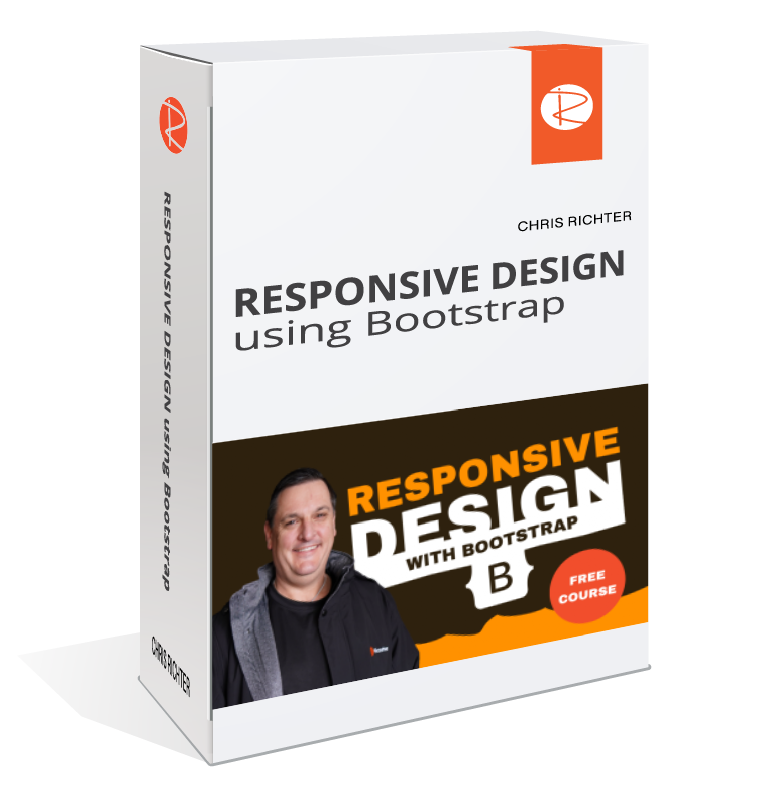
Responsive HTML Using Bootstrap in Moodle

Responsive design using Bootstrap

(FREE COURSE)

Learn how to use Bootstrap to help with responsive design

To get access to this course, just email chris@ricoshae.com.au. Tell me a bit about what you are using Moodle for and I will organise access to the course for you. 

Are you ready to take your first step into the world of responsive, professional-grade web design? Whether you're a beginner or someone looking to streamline your workflow, this course will change the way you build websites forever.

Bootstrap is the world’s most popular front-end framework — and for good reason. It saves time, ensures consistency, and helps you build mobile-friendly websites that look great on any screen size.  

But getting started with Bootstrap can feel overwhelming — unless you have a step-by-step guide to show you the way. That's exactly what this course is.

This course is built for absolute beginners and intermediate web designers alike.


You’ll benefit if you are:

  • An educator or instructional designer looking to create online learning content
  • A budding web developer wanting to improve your front-end skills
  • A designer tired of hacking CSS from scratch every time
  • A course creator who wants your LMS or eLearning platform to look amazing
  • Someone who wants to build fast, responsive websites without reinventing the wheel

Why Learn Bootstrap Now?

Here’s the truth:

  • Bootstrap isn’t going anywhere. 
  • It powers millions of websites, from startups to major brands. Learning it not only accelerates your web development journey — it sets you up with skills that are instantly applicable in the real world. 
  • Stop wasting hours troubleshooting your CSS  Say goodbye to unresponsive, clunky web layouts 
  • Build sites that just work — across all screen sizes
  • In a world where mobile traffic is more than 60% of the web, responsive design isn’t optional — it’s essential.

Why Learn with Chris?

Chris Richter, founder of Ricoshae, has spent decades designing and developing digital learning environments. He understands the needs of online educators and content creators. He’s not just teaching you theory — he’s teaching you the practical, real-world skills you need to create attractive, usable websites today.

With a unique focus on education technology and digital learning design, Chris tailors his teaching style to meet the needs of instructional designers, eLearning creators, and developers — just like you.

Chris Richter is the founder and CEO of Ricoshae, a leading digital agency specialising in online education and digital content creation. With more than two decades of experience in web development, digital media, and programming, Chris brings a deep understanding of how technology can enhance learning.

Chris began his career at Australia’s largest vocational education and training organisation, where he supported thousands of students and teachers and helped manage and improve large-scale online learning platforms. He also led the development of Cloudstor, an award-winning file-sharing platform recognised by the Australian Telecommunications User’s Group.

Over the years, Chris has created content for more than 200 online courses across a wide range of subjects—including music business, animal studies, eco-tourism, and retail. His work has earned multiple awards, such as the Premier’s Public Sector Award and the NBSA Step Ahead Online Program Award.

A passionate advocate for effective digital learning, Chris has also presented at numerous conferences, including eResearch, ITEC, and Sydney mLearn. In this course, he draws on his extensive industry experience to help you develop practical skills and create engaging online learning experiences of your own.

Go to course
You are not logged in. (Log in)
Data retention summary
Get the mobile app
Powered by Moodle